
Not an address listing. A presence.
One listing. More options than you expect.
From rooms and virtual tours to videos, reviews and your own offers: on EventButler a single listing holds a whole toolkit — and it keeps growing.
For venues, service providers and team event organisers
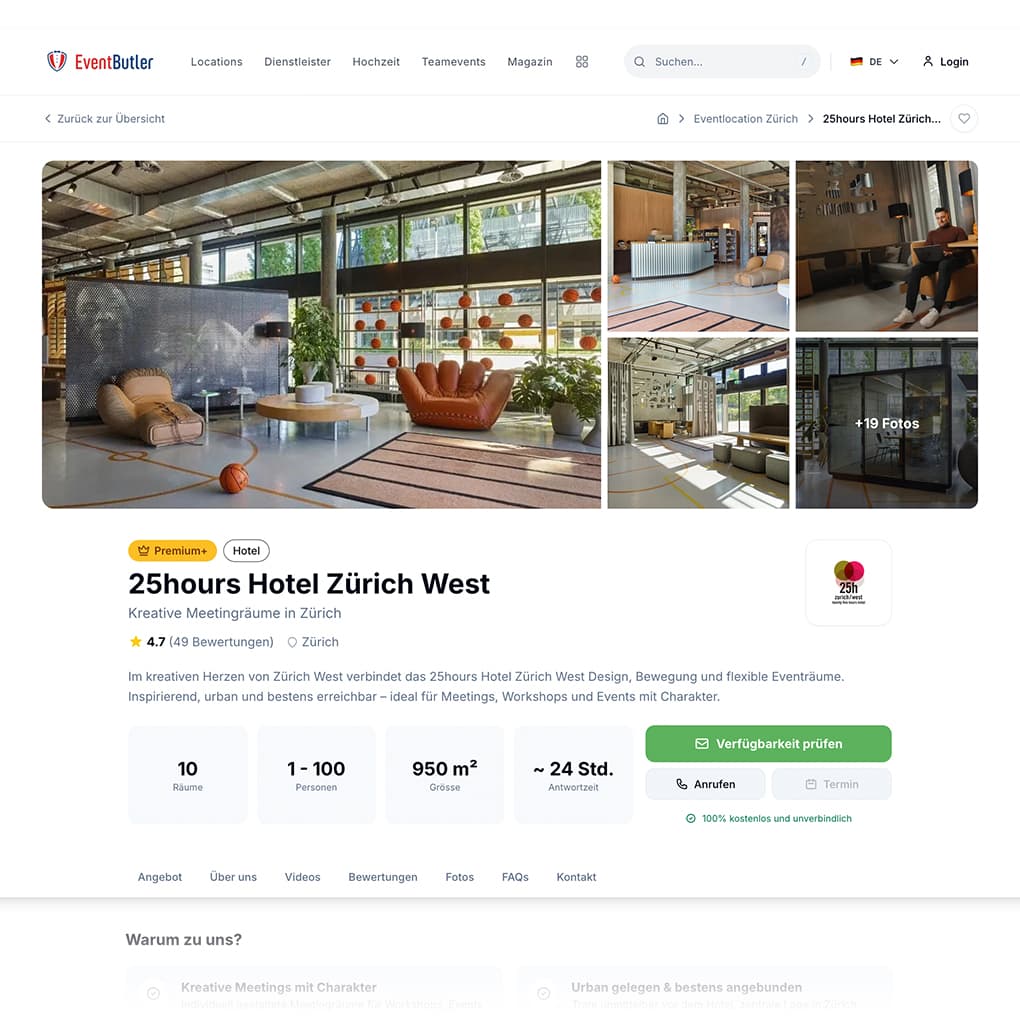
Inquiries reach you directly. Without commission.
No escrow account, no placement fee, no share of the deal value. The inquiry lands in your inbox, you reply directly and negotiate freely. Whatever you agree with your customer stays between the two of you. EventButler is financed solely through the providers' listings.
The inquiry now tells you which offer is meant.
A date, a number of guests, a few lines of text. But which vehicle, which menu, which package? You ask, the answer arrives two days later, and by the time your quote goes out someone else was faster.
Your offers appear inside the inquiry flow
Anyone contacting you via EventButler sees your offers first — with image, title and price. If they pick one, it is right there in the inquiry you receive. You can quote straight away instead of asking a round of questions.
Choosing is optional. Anyone who doesn't know yet what they need picks a general inquiry. So you still receive both kinds — many of them simply more specific.
Take another look at your offers
They now appear right before someone gets in touch. That's where prospects look closely. Four things are worth your time.
- Title: clear at a glance. "Full-day wedding photo package" instead of "Package 3"
- Preview image: bright and meaningful — it sits small next to the title
- First sentence: it ends after roughly 60 characters. Nobody sees what comes after
- Price: add one if you can. A guide price from beats no price at all
No offers set up yet? Then only the general inquiry shows, and you give away exactly this advantage. You can create them in your listing under Offers.
The difference to an ordinary portal listing
Five things your listing does noticeably better here.
On most portals you get images, text and a contact form. Here you get tools.
Your listing doesn't stop at photos.
Embed your video from YouTube or Vimeo, as a hero video at the very top if you like. Plus your Instagram reels and an audio player for music or sound samples. Anyone booking a band, a show or a venue wants to see and hear it in motion, not on a still image.
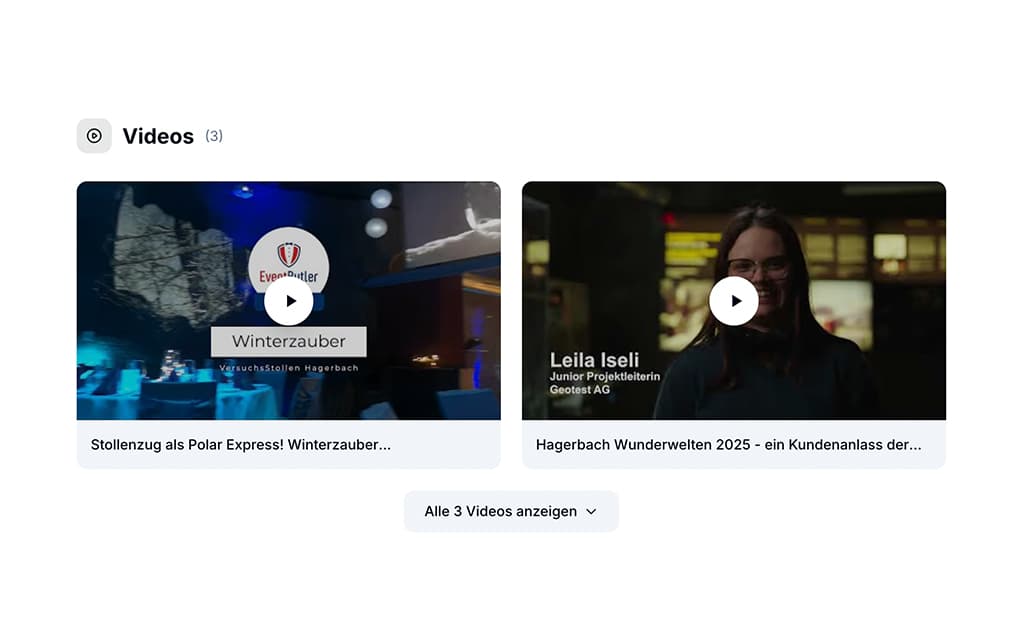
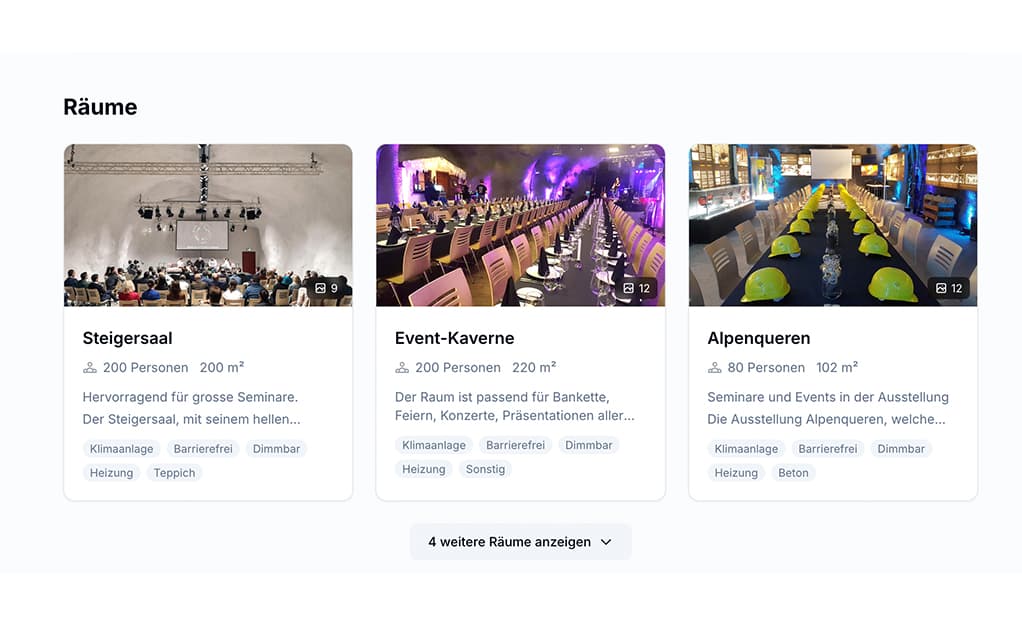
Right down to the individual seating layout.
Every room gets its own details: equipment, floor area and capacity per seating type, from banquet to concert to U-shape. Enquirers see immediately whether their 80 guests fit in the layout they want, instead of asking you.
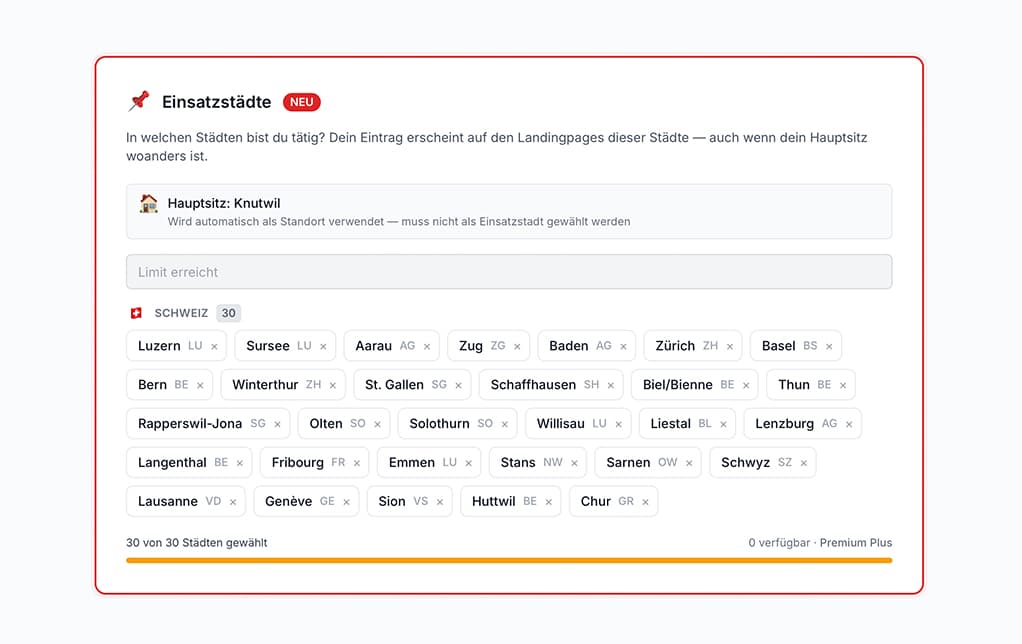
Get found in Zurich even though you're based in Bern.
Service providers, team event organisers and Christmas party specialists list every city they actually work in. Your listing shows up where your customers search, not only where your office happens to be.
Your answers are there before the question comes.
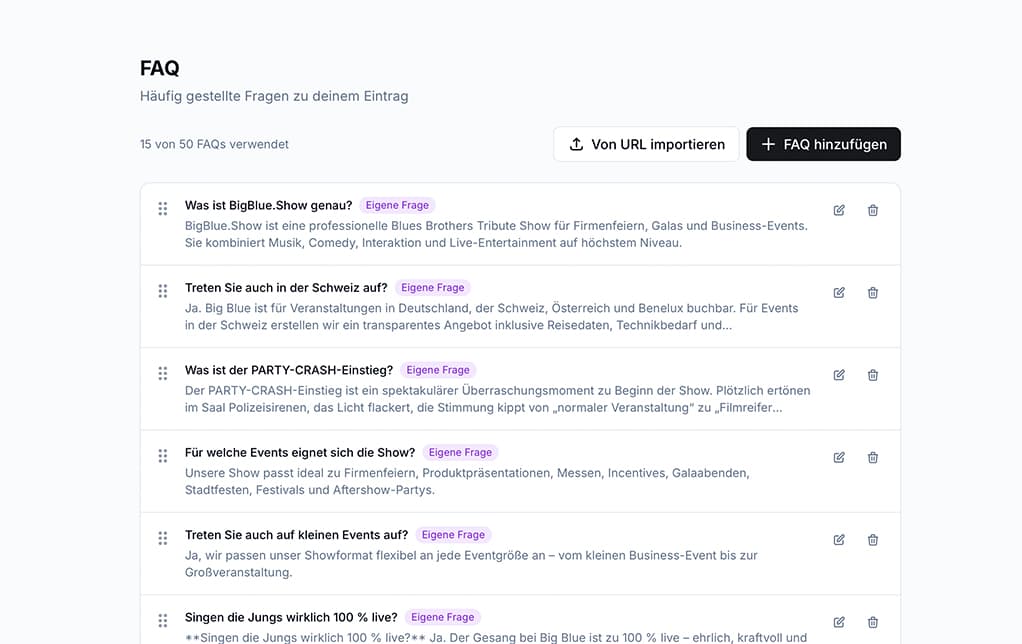
Parking, corkage, directions, cancellation deadline: you pull the common questions straight from your own website into the listing with the import function. Set it up once, and your listing answers them for you.
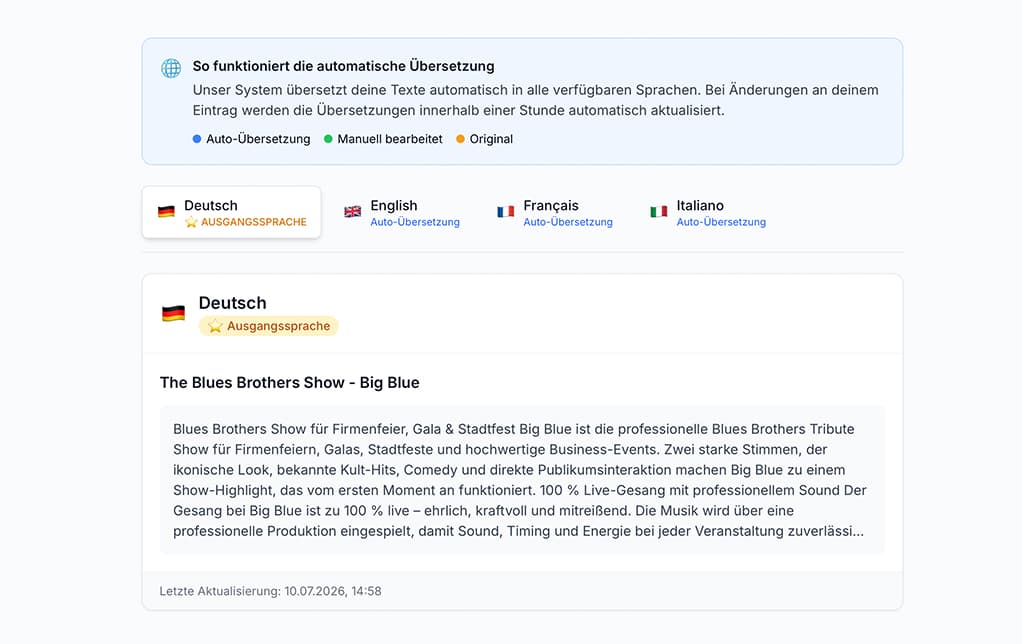
One listing, four language versions.
Your presence is automatically available in German, English, French and Italian. That reaches French-speaking Switzerland, Ticino and international guests without you translating a single line.
The complete overview
Everything you can put into your listing.
Content in the listing
- Offers and packages, now selectable directly in the inquiry flow
- FAQ module with import from your website
- Reviews from Google and direct ones, with an automatic summary from five onwards
- Matterport and Street View embedding
- Highlight box with four key points
- Opening hours
- Video from YouTube or Vimeo, as a hero video if you like
- Instagram reels
- Audio player for music and sound samples
- Documents right inside the listing
- Room planner with seating, equipment and capacity per room
- Links to your other listings
Visibility and ranking
- Points-based ranking: fully maintained categories and attributes move you up
- Ranking booster: four weeks of extra push, combinable up to three times
- Partner badge: extra points as soon as the badge is detected on your website
- Homepage highlight: four weeks in a prominent spot, three places per month
- SEO optimisation of your listing
- Service cities for service providers, team events and Christmas parties
Management and presentation
- Statistics: you see how often your listing is viewed and clicked
- Team option with its own access rights
- Display choice between image gallery and a single cover image
- Automatic translation into German, English, French and Italian
Good to know: If someone searches for a specific place, the result list is sorted by distance and not by points. Points take effect wherever a search runs without a location filter. Venues are tied to their address and therefore work without service cities.
How your listing comes about
From profile to first inquiry.
Create the listing
Add core data, categories and attributes.
Fill the modules
Add rooms, videos, offers and documents.
Get approved
Our editorial team reviews every listing and releases it.
Receive inquiries
Planners contact you directly, via the message system or email.
Validated by our editors: Nothing goes online automatically. We also review translations and summarised reviews before they become visible.
Christmas parties are searched from September. Weddings from January.
Whoever is visible by then gets the inquiries. Create your listing or fill the modules that are still empty.